
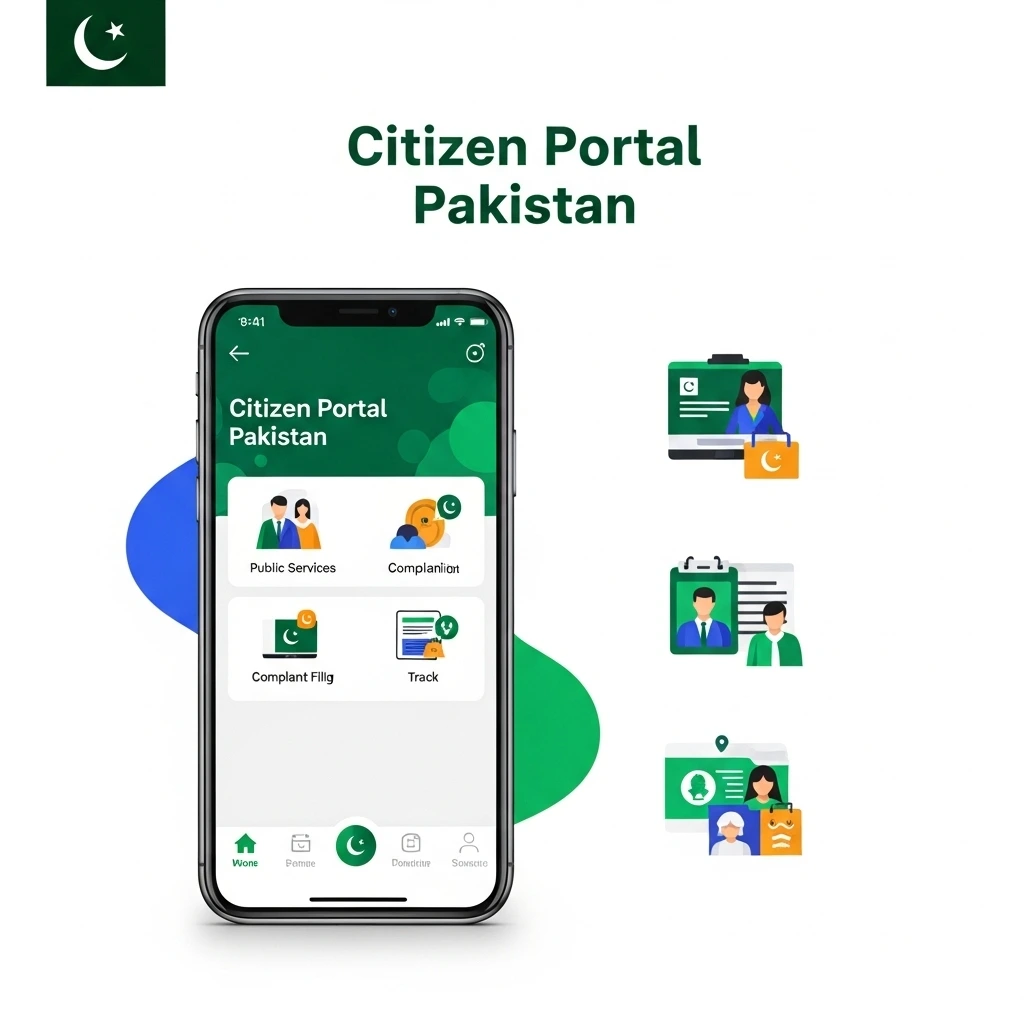
Citizen Portal Pakistan: Your Complete Guide to Filing Online Complaints Easily
If you’ve ever struggled with getting your issues resolved by government departments, you’re not alone. I’ve been there too, waiting in long queues, submitting written applications, and hoping someone pays attention. That’s exactly why the Citizen Portal Pakistan was created. It gives you and me a direct, transparent, and fast way to reach government authorities and get our problems solved.
In this guide, I’ll guide you through everything you need to know about using the Citizen Portal, Pakistan Citizen Portal Online Complaint, and related features like e stamp citizen portal, Punjab citizen portal, and more. By the end, you’ll know exactly how to use the platform like a pro.
What Is the Citizen Portal?
The Citizen Portal Pakistan is a digital platform launched by the Government of Pakistan to help citizens file complaints, track their progress, and communicate directly with relevant government departments. Instead of visiting offices physically, you can now resolve issues right from your phone.
Whether it’s a municipal issue, electricity complaint, police matter, or any government service, you and I can submit a complaint within minutes.
Citizen Portal Pakistan, How It Works
The Citizen Portal Pakistan is available as a mobile app for both Android and iOS. Once you create your account using your CNIC and mobile number, you can file complaints, attach evidence, and monitor progress.
You and I can use it for:
- Registering complaints
- Tracking complaint progress
- Rating government department performance
- Accessing public services
- Submitting suggestions and feedback
This platform increases transparency and pushes departments to respond faster.
Citizen Portal Pakistan Why You Should Use It
If you’re wondering whether it’s worth using, here’s why I personally prefer it:
- No need for physical visits
- Faster resolution than traditional applications
- Real-time updates on the complaint
- Government accountability
- Easy tracking and documentation
When you file a complaint, the system automatically assigns it to the right official and keeps you updated at every stage.
How to File a Citizen Portal Pakistan Online Complaint
Filing a Pakistan citizen portal online complaint is simple. Here’s how I do it step-by-step:
Step 1: Download the App
Install “Pakistan Citizen Portal” from Google Play or Apple App Store.
Step 2: Create Your Account
You’ll need:
- CNIC
- Phone number
- Basic personal details
Step 3: Select the Complaint Category
Choose the department that best matches your issue.
Step 4: Write Your Complaint
Be clear and to the point. You can also upload photos, videos, or documents.
Step 5: Submit and Track
Once submitted, you can track your complaint under your profile.
Citizen Portal Pakistan Complaint Tips to Increase Resolution Speed
If you want your citizen portal complaint resolved faster, here are tips from my experience:
- Attach photos/videos as proof
- Write your complaint clearly
- Select the right category
- Keep your tone respectful and factual
- Follow up using the app
The more detailed your complaint is, the quicker authorities act on it.
Why use the e-stamping citizen portal?
- Eliminates fake stamp papers
- Easy verification of stamp details
- Quick issuance without visiting physical offices
- Totally secure and government-verified
Whether you call it e stamp citizen portal, e stamping citizen portal, or estamp citizen portal, the system works the same nationwide.
Punjab Citizen Portal
If you live in Punjab like many users, you can use the Punjab citizen portal to directly handle provincial level services.
It helps you:
- File complaints for Punjab departments
- Track provincial service requests
- Access local municipal services
- Submit issues related to law and order, hospitals, schools, and utilities
This portal is connected to the federal one, making the whole system unified and user-friendly.
Final Thoughts: Why You Should Use the Citizen Portal Today
The citizen portal, including the Pakistan citizen portal, citizen portal complaint, and Pakistan citizen portal online complaint, has transformed how you and I interact with government services. Instead of wasting time and energy in traditional processes, we now have a fast, transparent, and highly effective solution.
Whether you’re verifying stamp papers through the e stamping citizen portal or filing a complaint on the Punjab citizen portal, everything is now at your fingertips.
If you want government services to work for you instead of feeling unreachable, the citizen portal is the easiest way to make your voice heard.
Frequently Asked Questions (FAQs)
1. What is the Citizen Portal Pakistan?
The Pakistan Citizen Portal is a government app that allows you and me to submit complaints, track progress, and communicate with public departments without visiting any office physically.
2. How do I file a Pakistan Citizen Portal online complaint?
To file a complaint, simply download the Pakistan Citizen Portal app, create your account using your CNIC, choose the relevant department, write your complaint, attach evidence, and submit it. You can track updates inside the app.
3. Are complaints on the citizen portal actually resolved?
Yes. Most complaints are resolved within days because the system directly notifies government officials, increasing accountability and response time.
4. What documents do I need to create a citizen portal account?
You only need:
- Your valid CNIC
- A mobile number registered in your name
5. What is the e stamp citizen portal?
The e stamp citizen portal is a digital system that helps you generate and verify stamp papers online. It reduces fraud and saves time by eliminating the need for physical stamp vendors.
6. Is the e stamping citizen portal available in all provinces?
Yes, the e stamping citizen portal services are available nationwide. Some provinces like Punjab and Sindh have their own portals for smooth processing.
7. How do I verify my stamp paper on the estamp citizen portal?
You can enter the stamp paper number on the estamp citizen portal verification page. The system shows complete details including value, date, and authenticity.
8. What is the difference between Pakistan Citizen Portal and Punjab Citizen Portal?
The Pakistan Citizen Portal handles federal-level services across the country.
The Punjab Citizen Portal is specifically for services and complaints related to Punjab government departments.
9. Can I upload images or videos with my citizen portal complaint?
Yes. You should always attach evidence because it increases the accuracy and speed of complaint resolution.
10. How long does it take for a complaint to be resolved on the citizen portal?
Most complaints are resolved within 3–7 working days, depending on the department and complexity of the issue.
11. Why is my citizen portal complaint not showing progress?
Sometimes departments take time to review details. You can send a reminder through the app or update your complaint with additional evidence.
12. Can overseas Pakistanis use the citizen portal?
Yes. Overseas Pakistanis can create accounts using their passport details and file complaints related to embassies, consulates, and overseas services.
13. Is the Pakistan Citizen Portal free to use?
Absolutely. It is 100% free for all users.
14. Can I reopen a resolved complaint on the citizen portal?
Yes. If your issue isn’t properly resolved, you can mark it as unsatisfactory and reopen it for review.
15. What issues can I report on the citizen portal?
You can report:
- Utility issues (electricity, gas, water)
- Police complaints
- Municipal problems
- Health services
- Education issues
- Public office misconduct
- Revenue & land record issues
- Any government service deficiency