NADRA Tracking – nadra tracking id check online
If you’ve applied for a new CNIC, Smart ID card, NICOP, or other registration documents from NADRA, you don’t need to worry about visiting the office repeatedly to check progress. With the NADRA tracking system, you can now check everything online in just a few clicks.
I’ll walk you through how you can use your NADRA tracking ID, tracking number, or application number to see your current status directly from the official NADRA website Visit Now
nadra tracking id check online
What Is NADRA Tracking?
NADRA tracking is an official service by the National Database and Registration Authority (NADRA) that allows you and every Pakistani applicant to check the progress of their applications online.
Whether you’ve applied for a new CNIC, Smart ID, duplicate card, renewal, or NICOP (for overseas Pakistanis), you can check its progress using your NADRA tracking ID number.
When you apply at any NADRA Registration Center, you receive a printed receipt. That receipt includes a tracking number that is your key to tracking the status of your NADRA ID card, both online and through SMS.
How to Check NADRA Tracking ID Online
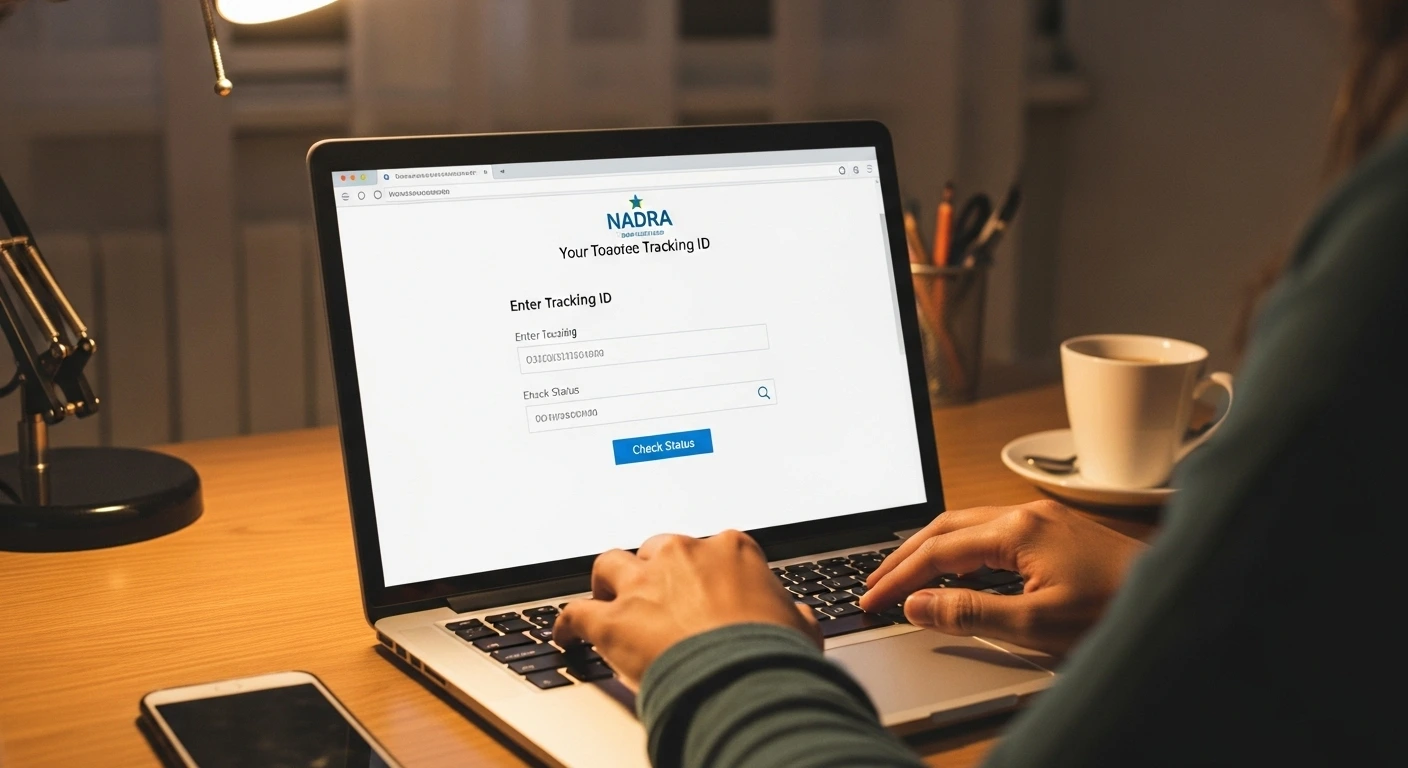
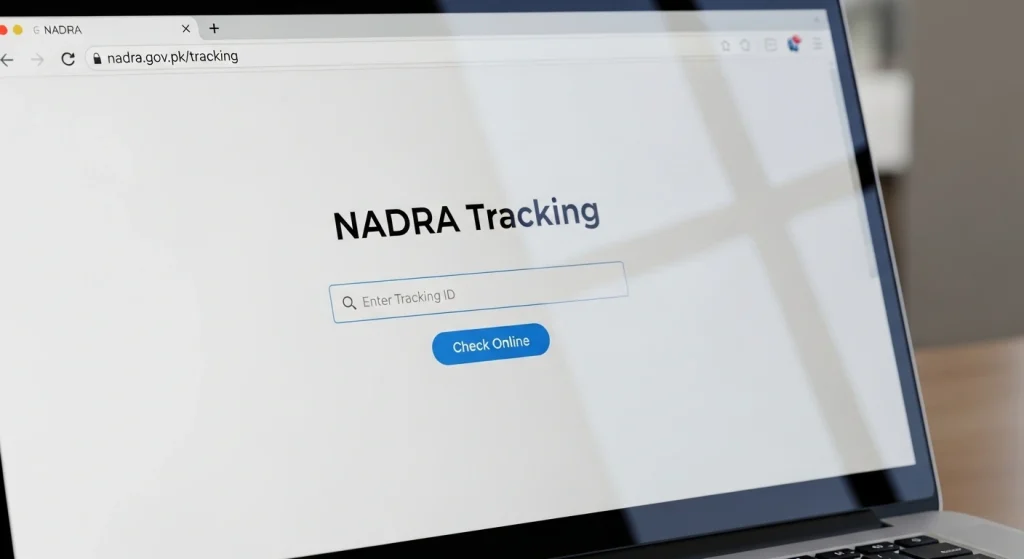
To check your application online, follow these simple steps on the NADRA GOV PK tracking portal:
- Visit the official NADRA website
- Go to the ID NADRA GOV PK tracking section.
- Enter your NADRA tracking ID or tracking number.
- Click on “Track” or “Check Status.”
- The system will display your NADRA tracking ID status instantly including whether your card is under process, dispatched, or ready for pickup.
This NADRA online tracking system is available 24 hours a day and works for both local and overseas applicants. You don’t need to call anyone or visit NADRA in person; everything can be checked through the NADRA website tracking portal.
Understanding Your NADRA Tracking ID and Number
Every application you submit to NADRA generates a unique tracking ID number. This number is important because it connects you to your application record within the NADRA Pakistan tracking system.
You might see it written as:
- NADRA Tracking ID Number
- NADRA Application Tracking Number
- NADRA ID Card Tracking Number
They all refer to the same thing as your unique application reference code.
If you misplace your receipt, you won’t be able to check the application through the website; in that case, you’ll need to contact NADRA directly using your CNIC number or visit the nearest center.
Using the NADRA Online Tracking System
The NADRA online tracking system is part of the official NADRA GOV PK network. This advanced tracking system connects all NADRA centers across Pakistan.
Here’s what you can track through www.nadra.gov.pk tracking ID page:
- CNIC or Smart ID Card
- NICOP (National Identity Card for Overseas Pakistanis)
- Family Registration Certificate (FRC)
- Child Registration Certificate (B-Form)
- Arms License or other identity-related documents
Once you enter your NADRA tracking ID, the system will display your current application status such as:
- Under Process
- Printed and Ready
- Dispatched
- Delivered / Collected
Benefits of NADRA Tracking
Using NADRA tracking offers you several clear advantages:
Convenience: You don’t have to visit NADRA offices physically check your status from your home or phone.
Real-time Updates:The NADRA online tracking system shows up-to-date information directly from the NADRA database.
Time-Saving:You can instantly know if your ID card or certificate is ready instead of waiting unnecessarily.
Transparency: Every applicant can personally verify their NADRA tracking ID status, ensuring there are no delays or hidden steps.
Accessibility:The system works both for Pakistanis living in the country and for Overseas Pakistanis through the Pak-Identity portal.
Alternative Ways to Track Your NADRA Application
If you don’t have internet access or prefer an offline method, NADRA offers other tracking options as well.
1. NADRA Tracking via SMS
You can use NADRA’s SMS service for quick updates:
2. NADRA Tracking by Phone
You can call NADRA directly:
- For local callers (in Pakistan): 1777
- For overseas applicants: +92-51-111-786-100
The NADRA representative will ask for your tracking number or CNIC and update you about your application.
How to Know When Your NADRA Card Is Ready
Once you track your NADRA tracking ID status, it will show one of the following:
Usually, a Smart CNIC takes 7–10 working days under the fast track service and 15–30 days under normal service.
How It Works – A Simple Three-Step Process
Tracking your NADRA ID card is easy and takes less than a minute.
1. Enter Your Details
Enter your 13-digit CNIC number or NADRA tracking ID, along with your date of birth in the designated fields.
2. Track Application
Click the “Track Application” button. The NADRA online tracking system will securely verify your details and fetch the latest update.
3. View Status
Within seconds, you’ll see your complete application progress from submission and approval to printing and dispatch all on one screen.
NADRA GOV PK Tracking – Official Website
To ensure accuracy and data safety, you should always use the official NADRA website tracking page.
Fake or third-party websites can risk your personal data.
Official Website: https://www.nadra.gov.pk
Official Portal: ID NADRA GOV PK tracking section
When you open www.nadra.gov.pk tracking ID number page, you’ll find all options related to card status, ID card renewal, and online verification.
NADRA Tracking for Overseas Pakistanis
If you’re living abroad and applied through Pak-Identity, you can still track your NADRA card online.
- Visit https://id.nadra.gov.pk
- Log in with your Pak-Identity account.
- Go to “My Applications.”
- Your NADRA Pakistan tracking ID will appear with the latest status.
This feature helps overseas Pakistanis manage everything online, including renewal, reprinting, or address updates.
Troubleshooting – Common NADRA Tracking Issues
Sometimes, you might face delays or system errors. Here’s what you can do:
FAQs – NADRA Tracking ID Check
What information do I need to track my application?
You’ll need your 13-digit CNIC number or tracking ID, along with your date of birth. These details help NADRA securely verify your record.
How long does it take for the status to update?
The system provides real-time updates. As soon as your application moves to the next stage (e.g., from “Approval” to “Printing”), the status is updated instantly.
What do the different application statuses mean?
Each stage (Under Process, Printing, Dispatched, Delivered) represents where your application stands in NADRA’s workflow.
My application was rejected. What should I do?
If your application was rejected, visit the nearest NADRA Registration Center. They’ll guide you on corrections or resubmission steps.
How can I track my NADRA ID card online?
Go to www.nadra.gov.pk, open the NADRA GOV PK tracking ID section, enter your tracking number, and view your status instantly.
Is NADRA online tracking free?
Yes, you can use the NADRA online tracking system for free through the official website.
Can overseas Pakistanis use NADRA tracking?
Yes. If you applied via Pak-Identity, log in to https://id.nadra.gov.pk and check your application status under “My Applications.”
Final Words
The NADRA tracking system has made it incredibly simple for you to monitor your ID card or application progress online. You just need your NADRA tracking ID or tracking number to see where your request stands. Whether you use the NADRA GOV PK tracking page or the SMS 8400 service, your data remains secure, and you’ll always be up to date.
With this modern NADRA online tracking system, you can easily avoid delays, plan ahead, and get your identity documents on time all from the comfort of your home.