

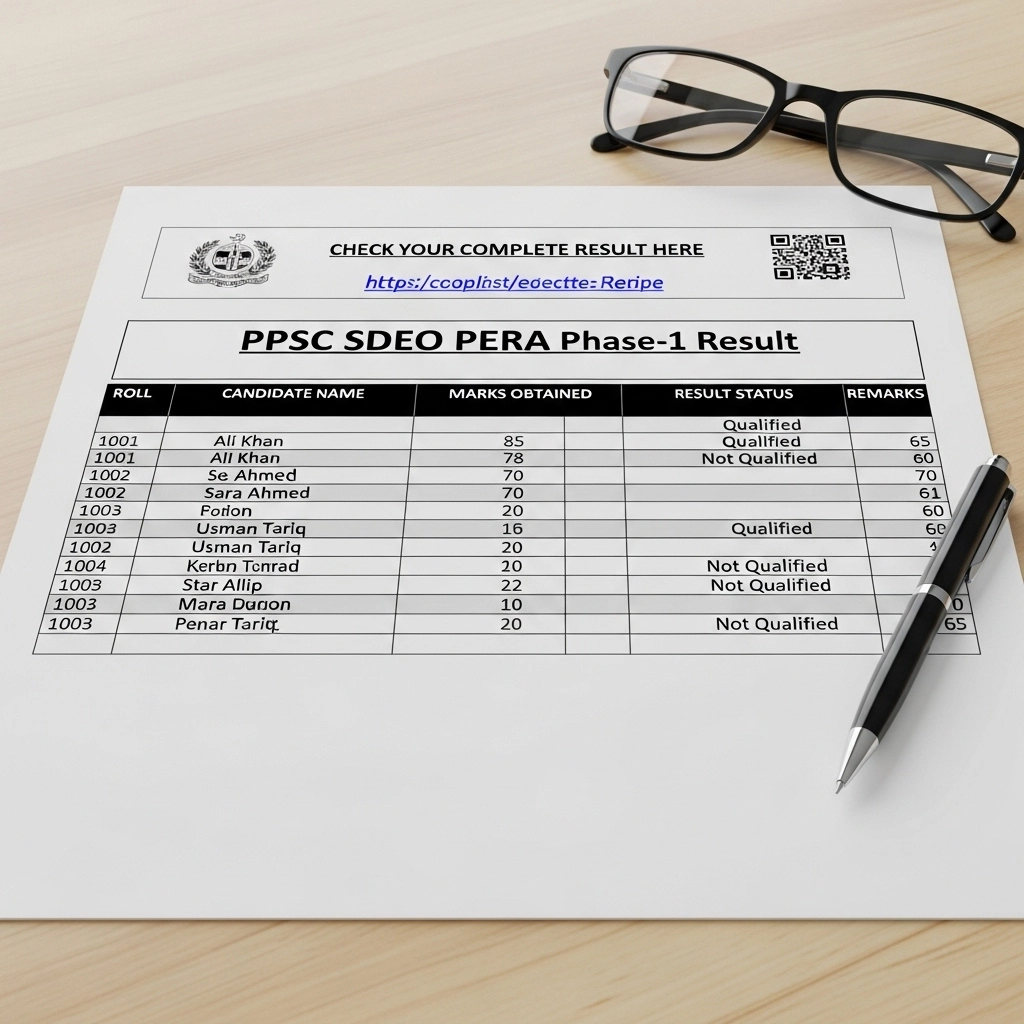
PPSC SDEO PERA Phase-1 Result | Check Your Complete Result Here
Good news! The PPSC SDEO PERA Phase-1 result is officially out, and if you appeared in the written test, now is the time to see where you stand. We have the complete result file ready, and you can check your name, roll number, and qualifying status in just a few simple steps.
Download And Check PPSC SDEO PERA Phase-1 Result
Download Result PDF
What This Result Means for You
If you’re reading this, you probably appeared in the Sub-Divisional Enforcement Officer (SDEO) written test under PERA. This Phase-1 exam is the first step in the selection process conducted by the Punjab Public Service Commission (PPSC).
By checking your result:
- You will know whether you have qualified for the next stage.
- You can plan your preparation for interviews or document verification.
- You get an official confirmation of your performance directly from the PPSC-oriented result file.
Think of this as your first checkpoint in the recruitment journey knowing your status early helps you stay organized and confident.
How to Find Your Name in the Result
We’ve made it easy for you. Here’s what you can do to find your result in the complete file:
- Open the result file: This contains the official Phase-1 results, including all candidates who appeared for the SDEO PERA written test.
- Use the search tool: If you’re on a computer, press Ctrl + F (or Command + F on Mac) to open the search box.
- Enter your roll number or name: This will quickly highlight your entry if you’re listed among the qualified candidates.
- Check your status: Alongside your name and roll number, you’ll see your qualifying status, which tells you if you’ve passed the Phase-1 exam.
It’s that simple! There’s no need to worry about missing your entry the complete result file has all the candidates in one place.
What to Do After Checking Your Result
Now that you know your Phase-1 result, you might be wondering what comes next. Here’s a quick guide:
- If you’ve qualified: Congratulations! Your next step is likely the interview or document verification stage. Keep your roll number, CNIC, and other documents ready. Stay updated with official PPSC announcements so you don’t miss any important instructions.
- If your name is not listed: Don’t panic. Sometimes, result files are updated or additional merit lists are released. Keep checking for updates, and remember that every exam gives you a chance to prepare for the next opportunity.
This result is your official confirmation, so treat it as the authoritative reference for your selection process.
Why Checking the Complete File Is Important
Many candidates try to check their result in fragments or unofficial announcements, but the complete file is the most reliable source. When you use it:
- You can verify your exact position.
- You avoid confusion from partial or misleading information.
- You stay aligned with the PPSC process and guidelines.
By taking a few minutes to locate your entry in the official file, you ensure clarity and confidence in your recruitment journey.
Final Words
The PPSC SDEO PERA Phase-1 result is more than just a list of names it’s your stepping stone toward becoming a Sub-Divisional Enforcement Officer. By using the complete result file and following the simple steps outlined here, you can quickly confirm your status and plan your next move.
Remember, whether you’ve qualified or not, staying informed, organized, and proactive will make the recruitment process smoother. Go ahead, open the result file, find your roll number, and take the next step toward your career goal!