
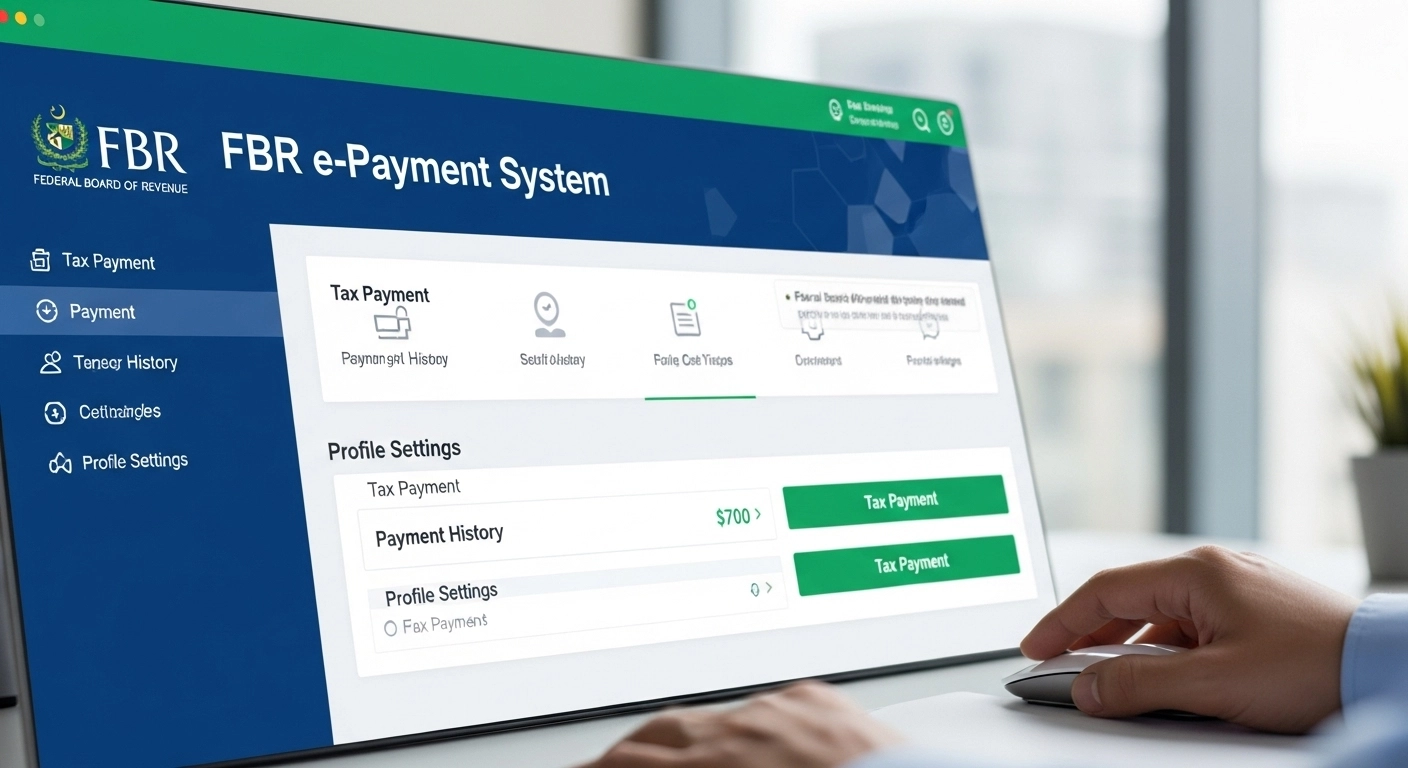
FBR e-Payment System | How to Pay Taxes Online in Pakistan (Complete Guide 2025)
If you want to pay your income tax, sales tax, FED, or withholding tax online, the FBR e-payment system is the easiest way to do it. You no longer need to visit banks or stand in long queues. With FBR e payment , you can generate a PSID and pay using mobile banking, online banking, ATM, or at any commercial bank.
In this guide, I’ll show you exactly how to create an FBR e-payment challan, generate a PSID, and complete your tax payment online using the official procedure.
1. What is FBR e-Payment?
FBR e-payment allows taxpayers to make electronic tax payments using the ADC system without visiting any bank branch.
Whether you want to pay income tax, sales tax, or FED, you can do it instantly through:
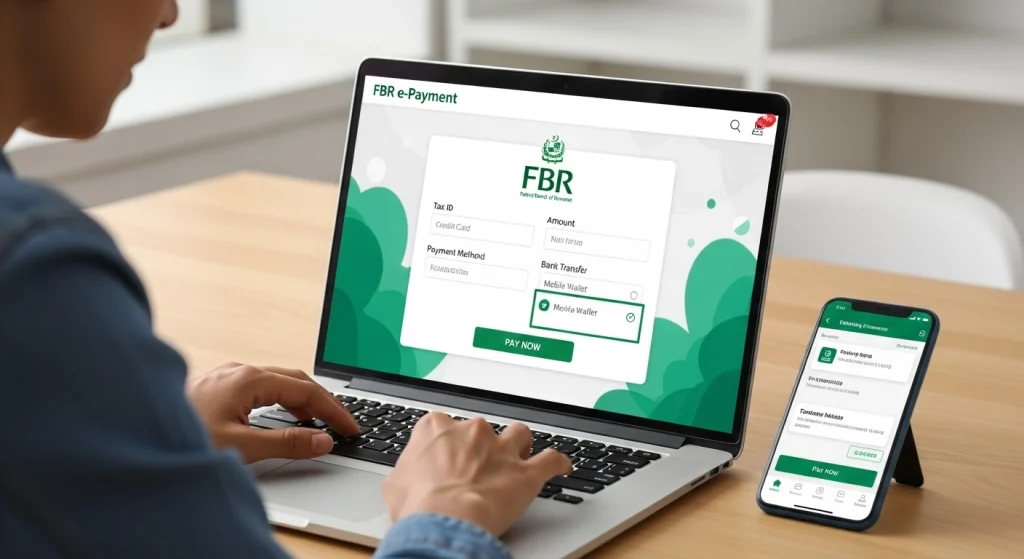
Once you enter your details and submit your request, the system generates a PSID which is required to process your e-payment.
2. How to Access FBR e-Payment Portal
To begin the payment process:
Step 1: Open the FBR e-Payment Portal
Visit the website: or search for fbr e payment
Step 2: Go to the e-Payments menu
Select the tax type that you want to pay.
3. How to Generate an FBR e-Payment Challan and PSID
Follow these steps to generate your FBR e-payment challan based on the official instructions:
1. Choose Tax Category
Select Income Tax, Sales Tax, FED, or other options.
2. Enter Taxpayer Information
Enter your NTN, CNIC, tax year, and registration details.
3. Select Tax Payment Nature
Choose the purpose for which you are paying.
4. Select ADC e payment option
This ensures your PSID will be generated for online payment.
5. Complete the Form
Enter your mobile number and email correctly for verification.
6. Click Create
Verify the information and click Confirm after reviewing.
7. Save Your PSID
Once the PSID slip shows up, print or save it.
You will need this for online banking and ATM payments.
4. How to Pay Your PSID Through Bank
Once your PSID is generated, you can pay using any of these methods:
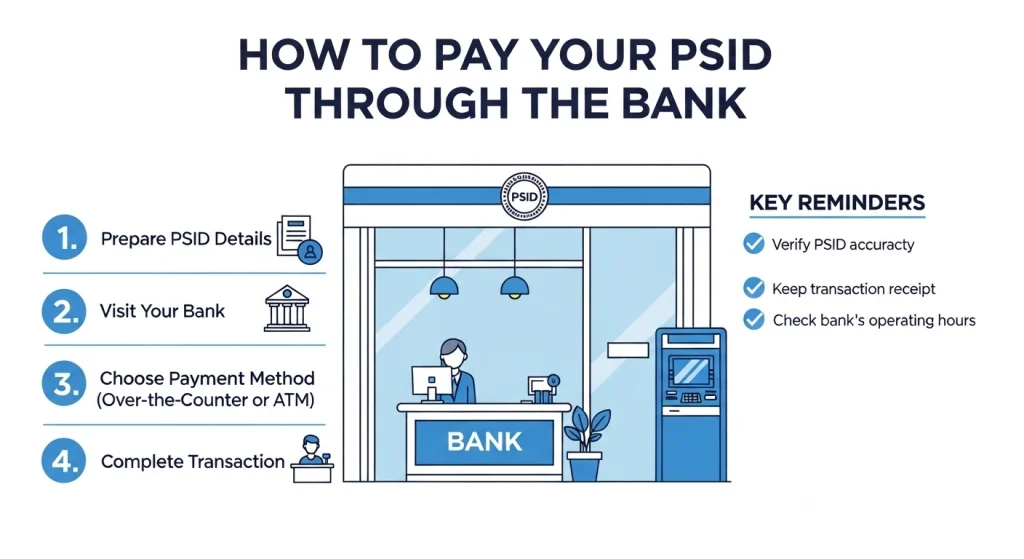
Online Banking or Mobile App
- Log in to your bank app
- Go to tax payment or bill payment
- Select FBR or Government payments
- Enter PSID
- Confirm the details
- Submit and complete payment
ATM Method
- Insert ATM card
- Select bill or tax payment option
- Select FBR
- Enter PSID
- Confirm and pay
Over the Counter
Go to a bank branch and provide your PSID to the cashier.
5. Taxes You Can Pay Through FBR e-Payment
This system supports online tax payments for:
Both individuals and corporate taxpayers can use the system.
6. Benefits of Using FBR e-Payment
If you are tired of the manual process, e-payment will make your tax life easier. You get:
✔ 24-7 payments
✔ No branch visits
✔ Instant PSID generation
✔ Safe and secure payments
✔ Works from any banking app
✔ Automatic challan verification
7. FAQs About FBR e-Payment
What is a PSID?
PSID is a Payment Slip ID generated online and required for tax payment.
How do I pay PSID?
You can pay it through your bank’s app, ATM, or over the counter.
Does IRIS support e-payment?
Yes, in IRIS you can select ADC e payment to generate PSID.
Can I use any bank?
Yes, all banks connected to 1Link accept PSID payments.
Do I need to submit challan manually?
No, once paid electronically, the payment status updates in FBR automatically.
Conclusion
With FBR e-payment, paying your taxes has become simple and fast. You just generate a PSID, log into your bank app, and complete the payment. If you understand how to use fbr e payment and e payment fbr psid correctly, you’ll never need to stand in line at a bank again.
Start using e fbr payment today and stay ahead of deadlines with zero stress.