
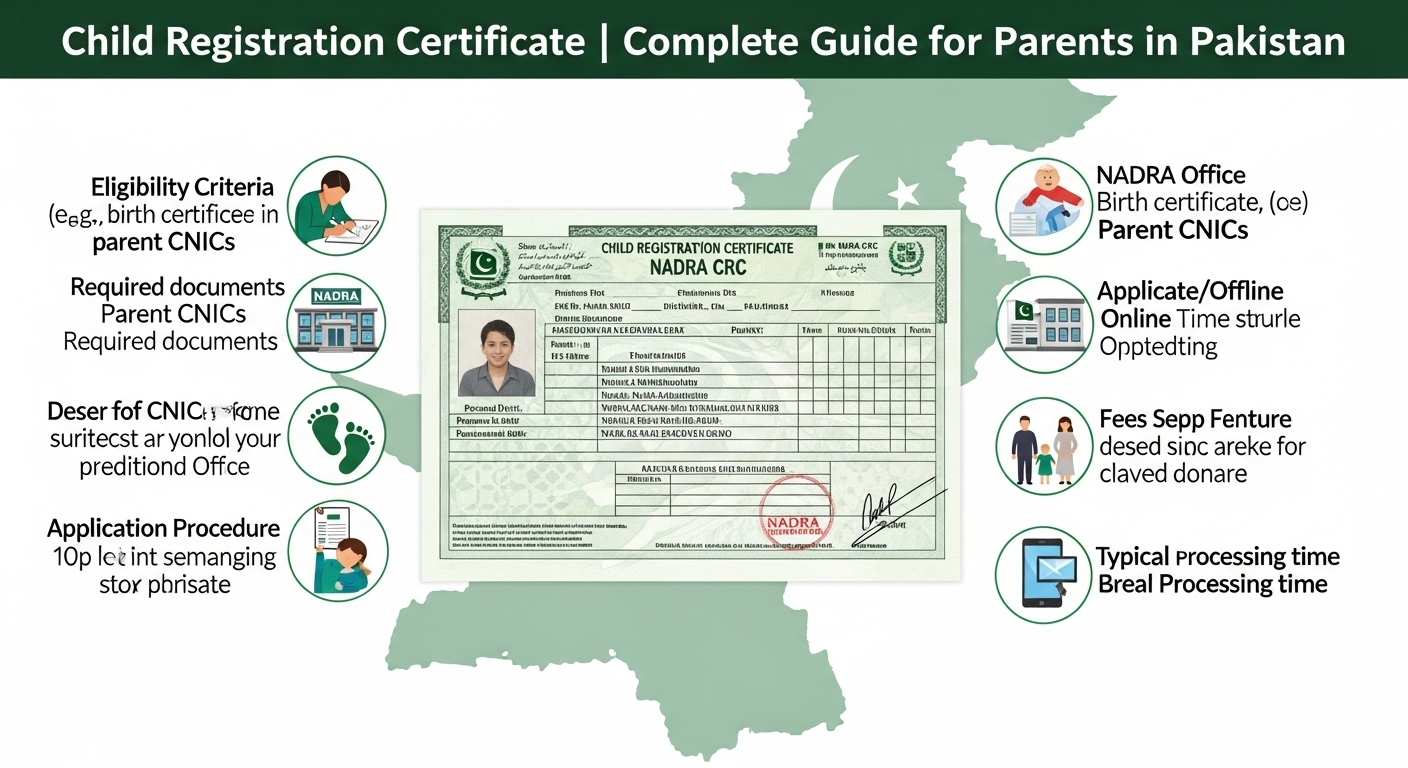
Child Registration Certificate (CRC) | Complete Guide for Parents in Pakistan
If you’ve recently welcomed a newborn, one of the first things you need to do is your Child Registration Certificate (CRC) officially with The Pak ID Mobile App or in person at a NADRA office , also known as the is an essential document for this purpose. It is your child’s to obtain a registration certificate from their place of origin, and NADRA has made the process easier than ever for parents like you.

In this guide, I’ll walk you through everything you need to know about the , including eligibility, requirements, and how you can apply step by step either in person or online through the Pak ID Mobile App or in person at a NADRA office.
What is a Child Registration Certificate (CRC)?
The , is an official document that registers your child in It contains important details like your child’s name, date and place of birth, and your information as parents.
Having a CRC is vital because it serves as your child’s b. You will need it for:
Without a CRC, your child may face issues accessing these essential services.
Eligibility & Requirements
Before you apply for a CRC, make sure you meet the following eligibility criteria:
If you have all these requirements ready, the application process will be smooth and hassle-free.
Applying Through the Pak ID Mobile App (For Children Up to One Year Old)
If your child is under one year old, you can apply for their CRC online from your phone using the Pak ID Mobile App, available for Android and iOS. This makes the process convenient and saves you a trip to the NADRA office.
Here’s a step-by-step guide to applying via the Pak ID Mobile App:
Once submitted, you can track your CRC application through the app and receive updates once it’s processed and ready for collection.
Applying at a NADRA Registration Center
If your child is older than one year or you prefer applying in person, you can visit a NADRA Registration Center. Here’s how you can do it:
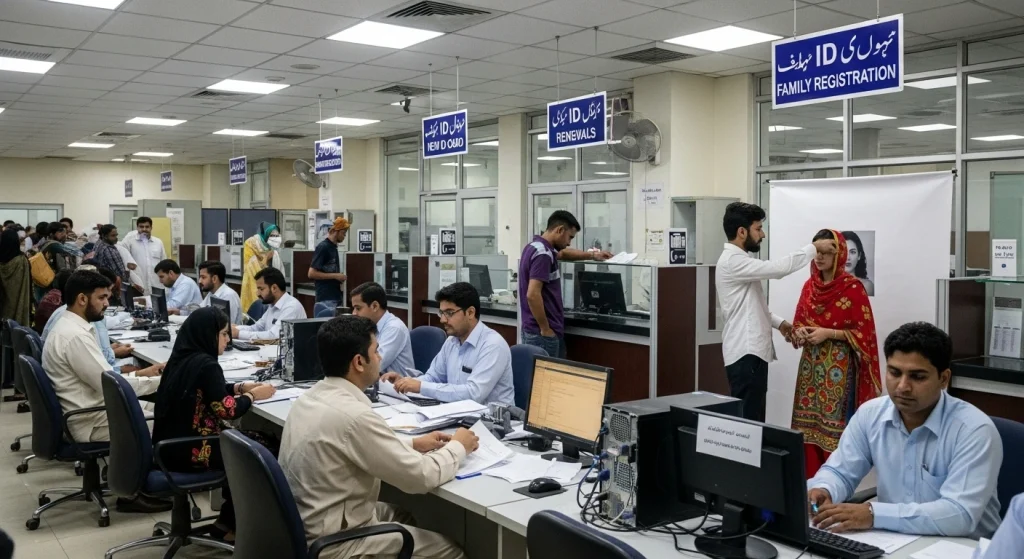
- Visit the nearest NADRA office with your required documents.
- Take a token and wait for your turn.
- Provide your CNICs, proof of birth, and child’s photograph.
- Fill out the CRC application form or verify prefilled details with the NADRA officer.
- The officer will capture biometric information and issue a tracking ID receipt.
- Use the tracking ID to check the status of your CRC online or via the Pak ID Mobile App.
Most CRC applications are processed in a few working days.
Why You Should Get Your Child’s CRC
Getting your child’s Child Registration Certificate as soon as possible ensures that your child has a legal identity from birth. It simplifies future procedures like school admission, passport applications, and obtaining a CNIC.
With NADRA’s modern system and the Pak ID Mobile App, applying for a CRC is now easier and faster than ever. All you need is the right documentation and a few simple steps to secure your child’s official record.
Final Thoughts
Getting your child’s Child Registration Certificate should be one of your top priorities after birth. It ensures your child has a legal identity from day one and makes future processes like school admission, passport applications, and CNIC issuance much easier.
With NADRA’s modern system and the Pak ID Mobile App, you can secure your child’s CRC conveniently and quickly. All it takes is the right documents and a few simple steps and you’ll have peace of mind knowing your child’s official record is safely registered.
FAQs About Child Registration Certificate (CRC)
Q: How long does it take to get a CRC?
Typically, your child’s CRC is ready within a few working days after submission, whether you apply online or in person.
Q: Can I apply for CRC if my child was born abroad?
Yes! You can register your child abroad as long as at least one parent holds a NIC or NICOP and you have a birth certificate issued by the Union Council.
Q: Do I need to pay a fee for CRC?
CRC issuance is generally free, but there may be a nominal fee for urgent or priority processing.
Q: What documents do I need?
You’ll need your CNIC/NICOP, your child’s birth certificate, child’s photograph, and any other supporting documents requested by NADRA.
Q: Can I update my child’s CRC later?
Yes! If there’s any correction needed, you can visit NADRA to update details on the CRC.